A different emergency number
In a language they are still learning.
For study abroad offices
Your students may be six to fourteen hours ahead. Their people are one press away. Built for study abroad offices; universities, sororities and au pair agencies use it the same way.
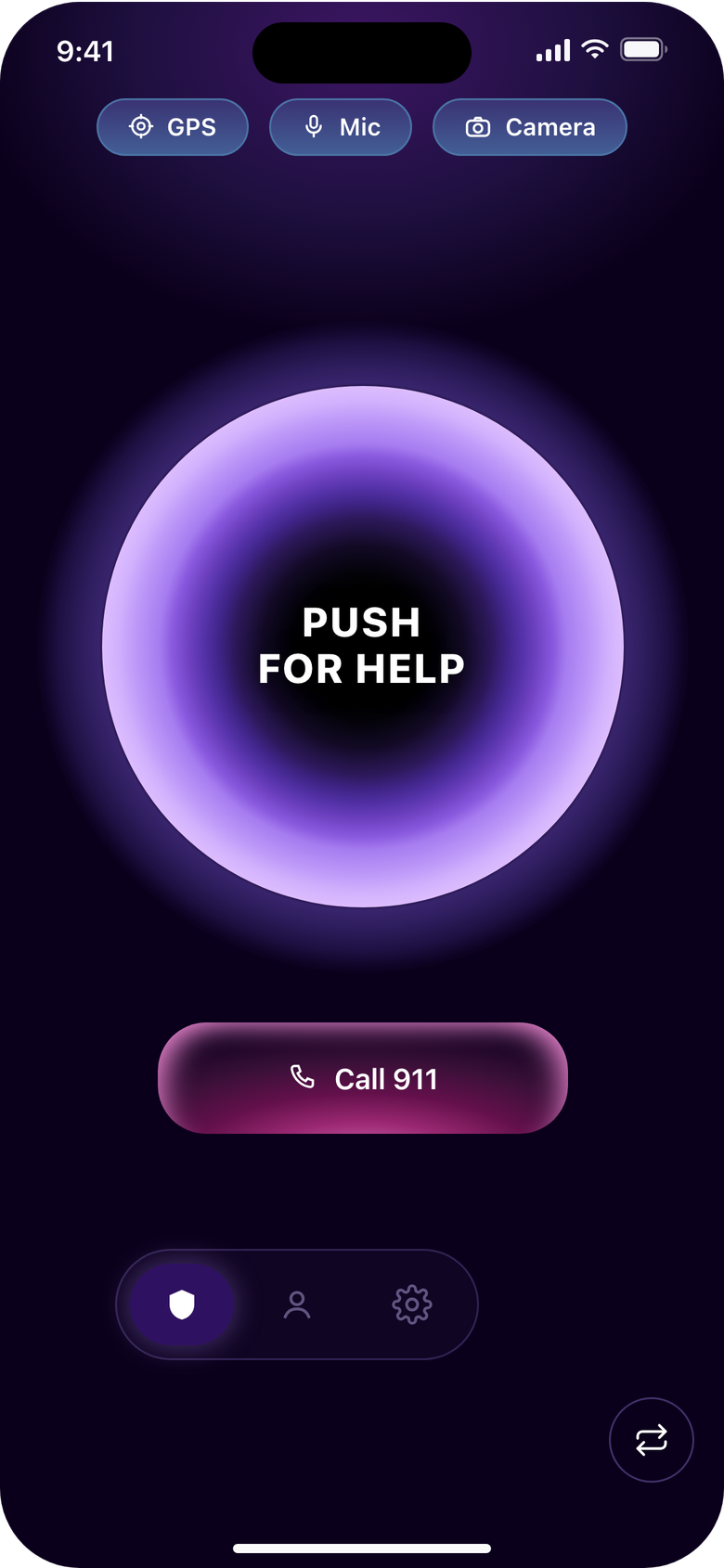
If you are in immediate danger, call 911, or the local emergency number outside the United States (112 across the European Union). push! alerts the people a student chose. It does not contact police or emergency services.
The problem you carry
In a language they are still learning.
The first call lands with whoever is awake.
"Something is wrong" is not a location.
The cost of the status quo
push! sits alongside your 24/7 line and your assistance provider. It does not replace them.
Landed. Going out with the group tonight.
7:42 PMEverything ok?
1:05 AMCall me.
2:10 AM DeliveredEach student abroad with an iPhone carries one button that alerts their own people with live location, audio and video in ten seconds, and there is nothing for your office to run.
For adults 18 and older. Contacts also need push! on an iPhone. push! is in beta.
For a student abroad
When an alert fires
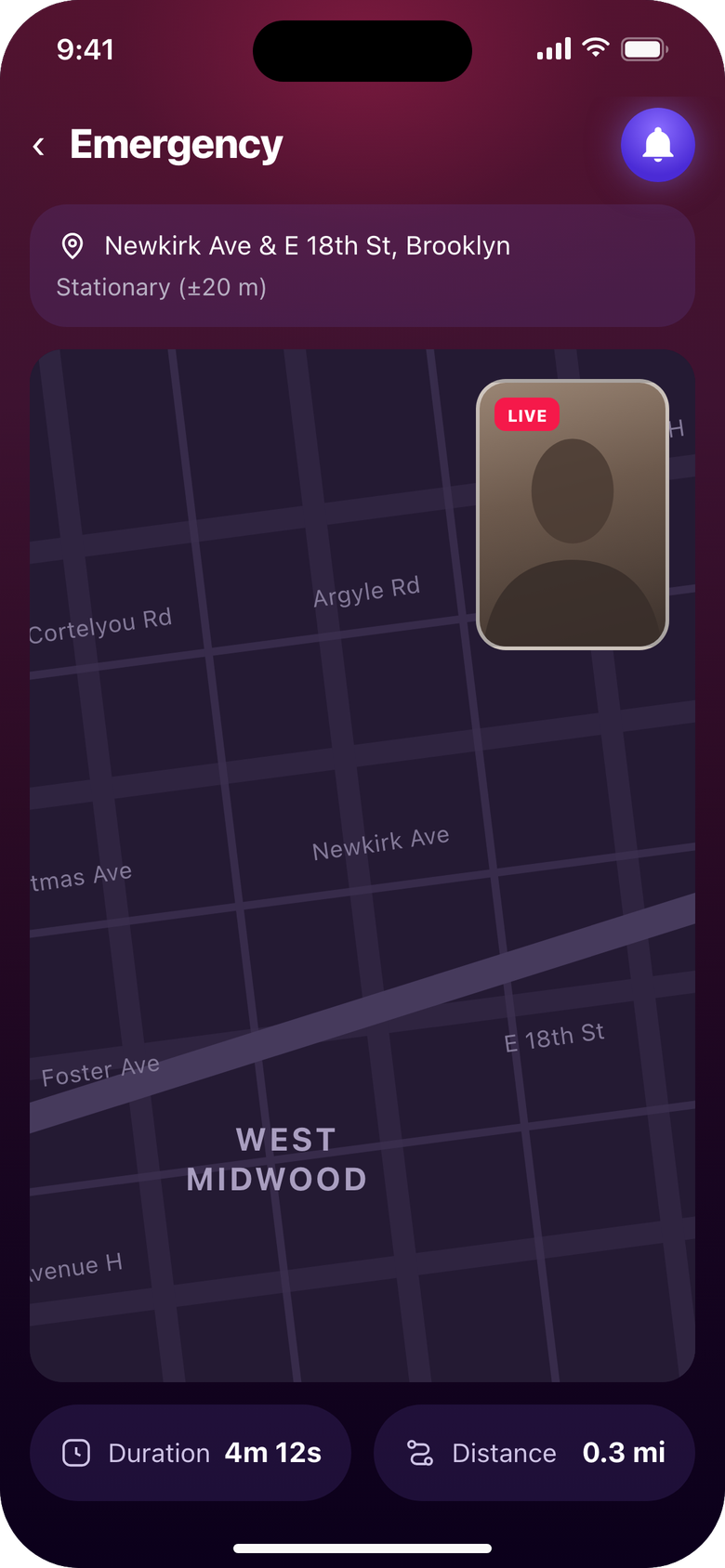
The notification says who pressed. In push!: the live map, video and sound.
The local emergency number for the spot on the map, then your 24/7 line. push! makes no call itself.
They are told when the student ends it, or if it ended unconfirmed: after an hour, or 10 minutes without a signal.
Your on-call staff can be a student's contact like anyone else: push! on an iPhone, and the student's code. There is no office account.
Nothing sent.
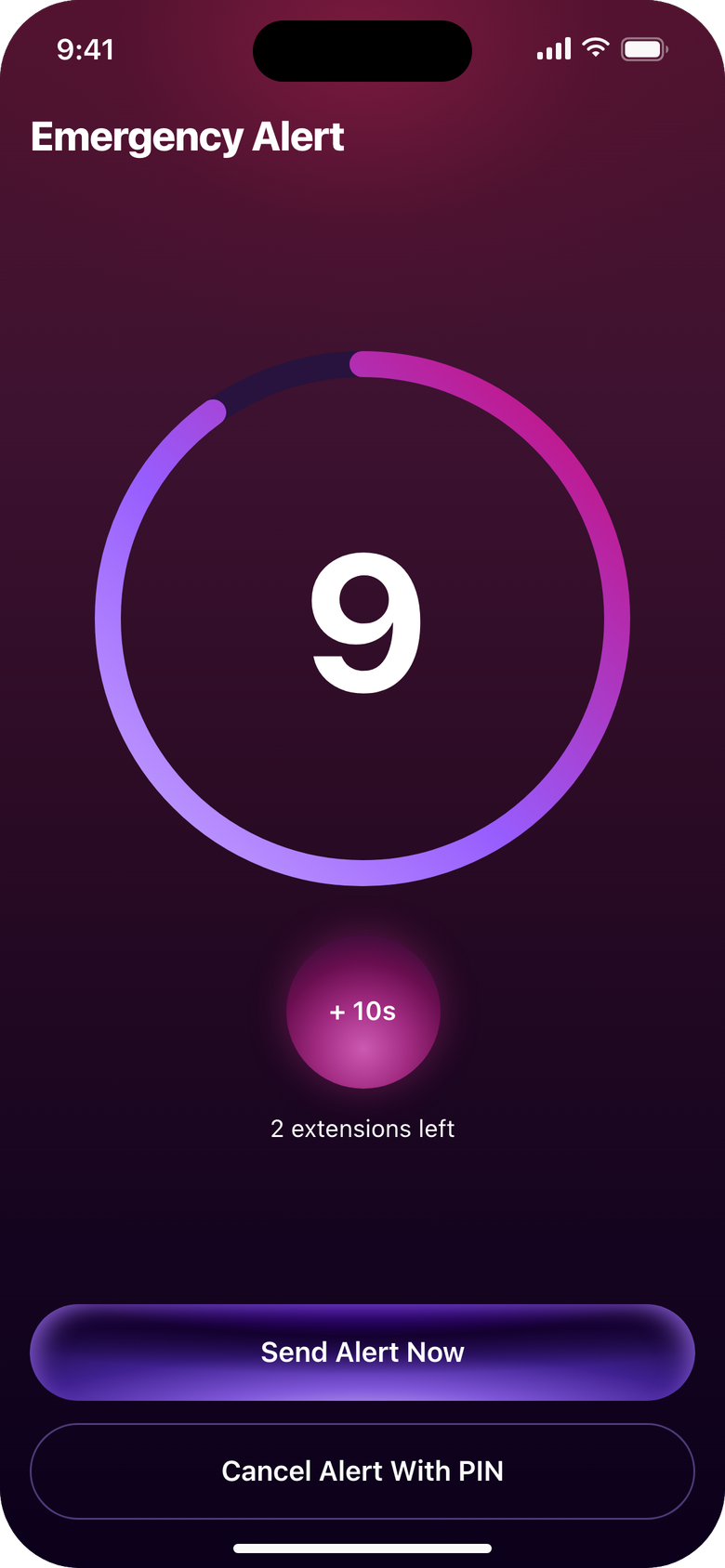
Ten seconds.
The contacts on their list.
Their PIN ends it.
Nothing sent.
Built so students keep it
The value
The ones who would drop everything.
One button, their own people, nothing to opt out of.
Press to live location, or sooner with Send Alert Now.
Installed from the App Store (beta). No dashboard, no training.
Objections
No location, audio or video is sent between alerts. During one, they go live to the student's contacts. Data lives on Google Cloud; the Privacy Policy covers transfers, Your data the plain English.
push! is not an emergency service and never contacts one. The Terms are consumer terms; ask us for a program agreement, a data processing agreement and our insurance position before a pilot.
Program pricing is a conversation. Tell us your numbers and your term.
One line in the pre-departure packet: install push!, add two people. There is a free trial, then a subscription; program terms are a conversation. Nothing for your office to administer.
Wherever the phone has data and Google services reach it; push! runs on Firebase, so do not count on it where Google is blocked, including mainland China. Per-country delivery tests are not published yet. The in-app button opens the dialer with 911; abroad, students dial the local number.
Adults 18 and older, with an iPhone. Contacts also need push! on an iPhone. There is no Android version today.
Yes: Your data, Privacy Policy, Terms, accessibility statement (this website), security.txt. This website runs no trackers; the app sends usage events to Firebase Analytics, no ad software.
Proof
push! publishes only real results. These fill in after the first pilot.
For your file
| Company | ByPULLA LLC, Holmdel, New Jersey, United States |
|---|---|
| Product | push!, in beta on the App Store for iPhone. Contacts also need it on an iPhone. |
| Who it is for | Adults 18 and older (Terms and Conditions) |
| Where data goes | Google Cloud (Firebase), Agora, Google Maps, Apple, RevenueCat. Details on Your data. |
| Questions | support@pulla.org |
Tell us about your study abroad program. We answer review questions directly.