Students and study abroad
New city, new number for help. Your own people stay one press away.
Personal security app for iPhone
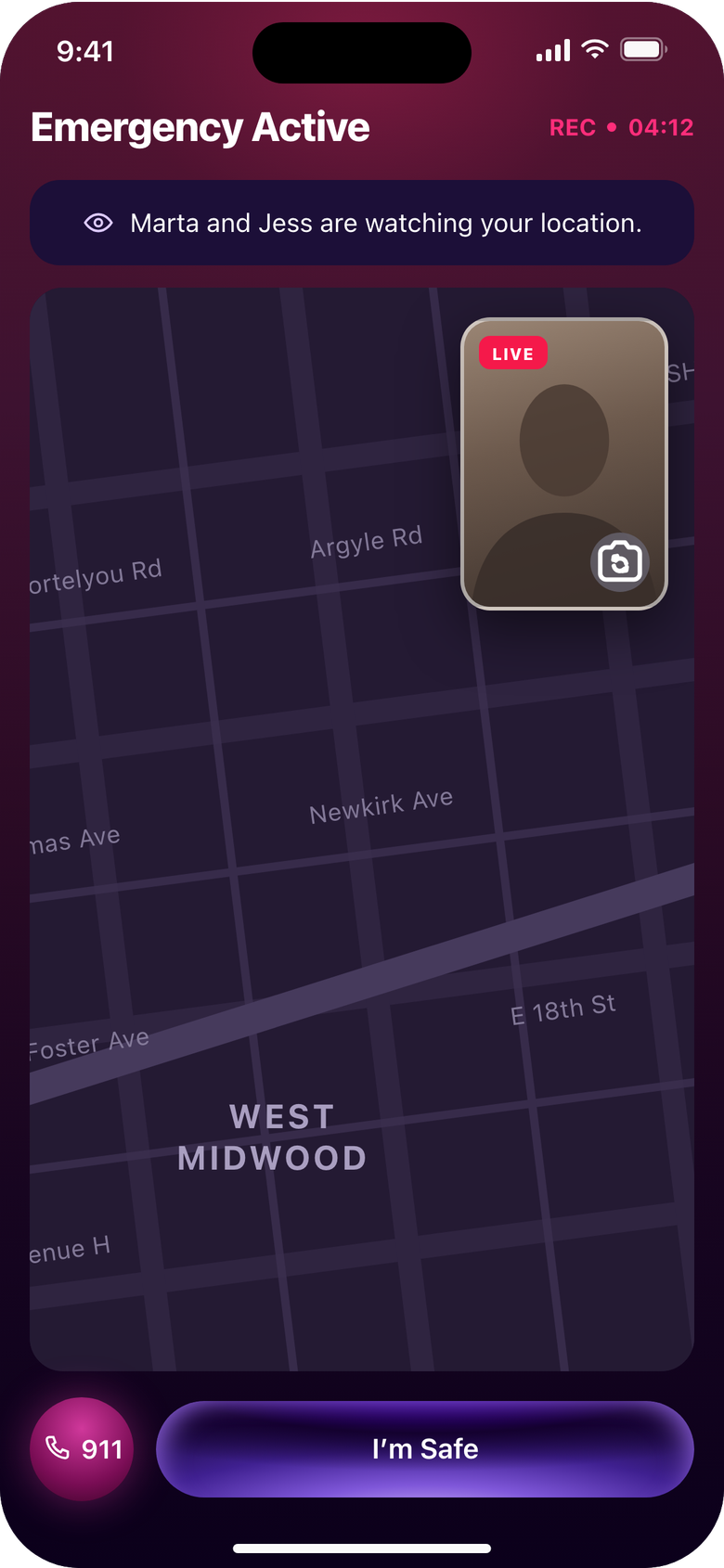
Press when something feels off. Ten seconds later, the people you chose see where you are, hear what is happening and can watch.
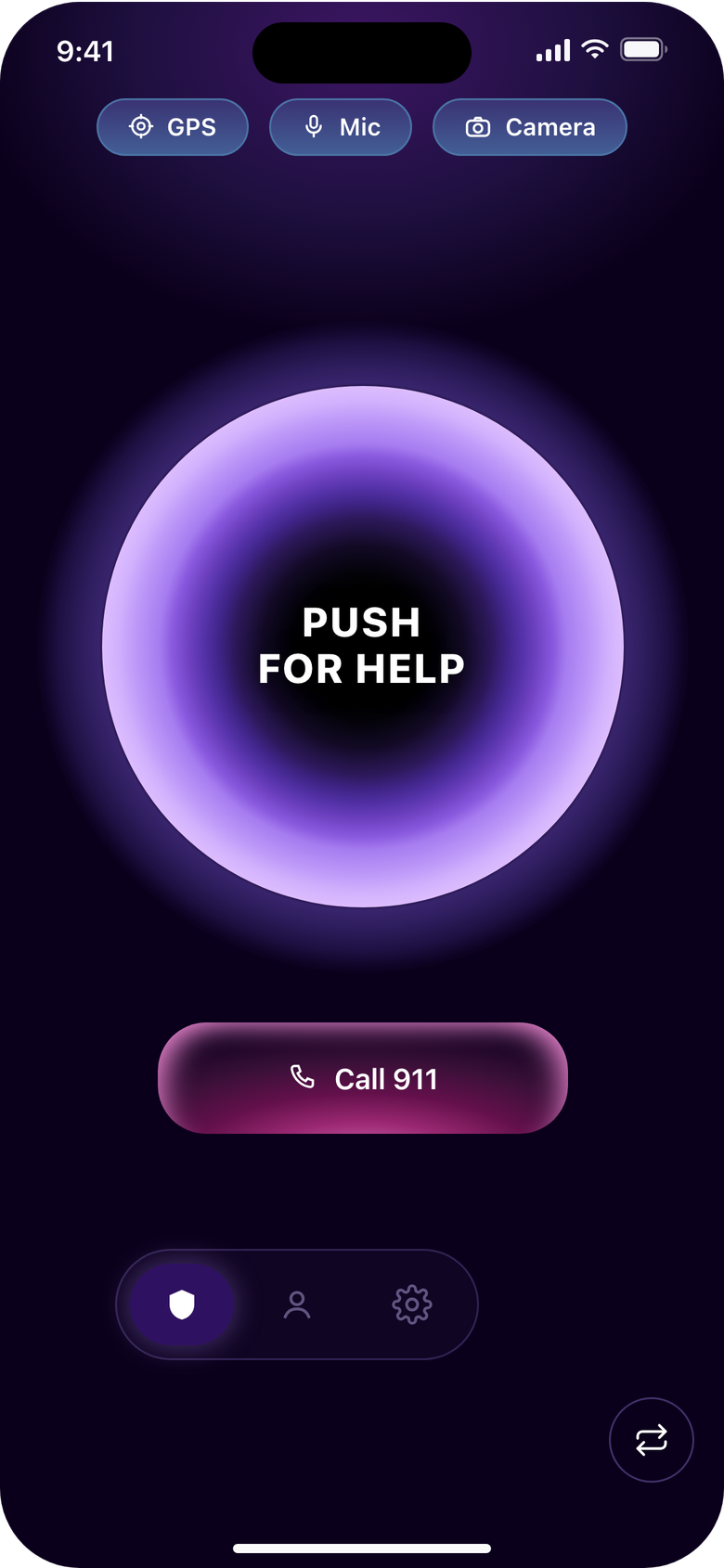
If you are in immediate danger, call 911, or the local emergency number outside the United States. push! alerts the people you chose. It does not contact police or emergency services.
Invite them with a code. They install push! and accept.
Ten seconds to cancel with your PIN, add time, or send now.
Live location, audio and video, until the alert ends.
New city, new number for help. Your own people stay one press away.
Not tracking. Knowing they can reach you in one press.
Duty of care across time zones, without a surveillance program.
In beta for iPhone through TestFlight. Join to try new releases first.